Goodbye MEGA

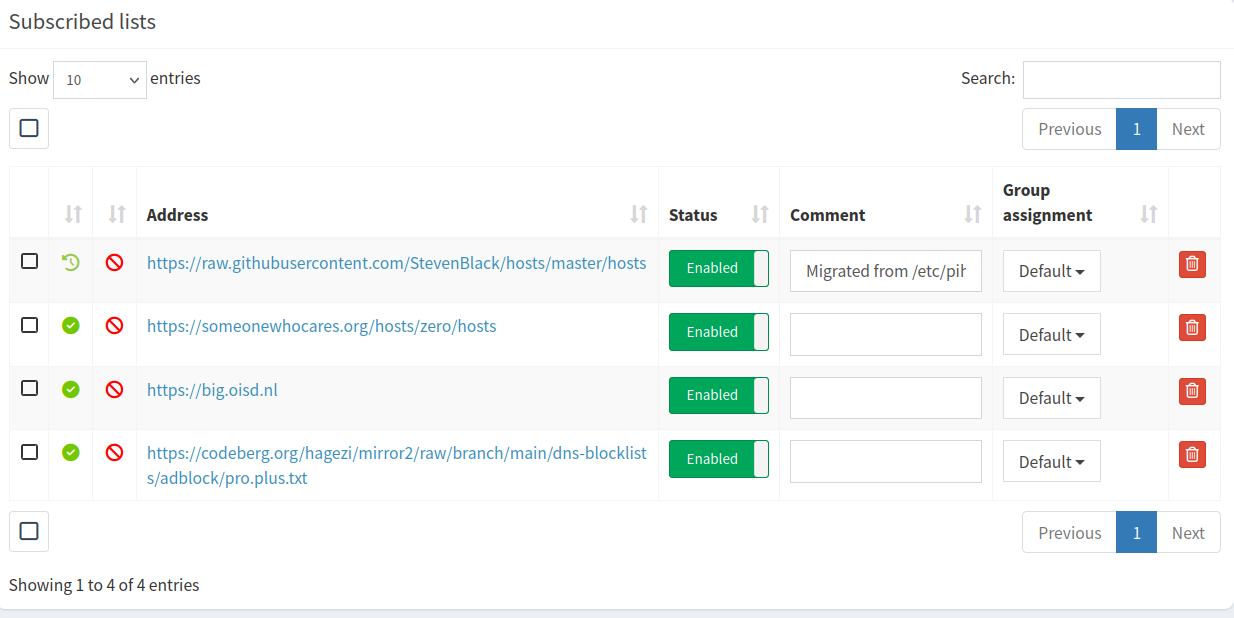
Their iOS app is too damn slow. Just try viewing images.

Not worth paying for something that doesn’t work.

How is pCloud a good option? They have lifetime plans. Which means, when they are no longer in business, no more space.

Surprised they are still in business. They claim Nike and Uber and various other people use them.

Might have to contact them contact them to use rClone as well.

I’ll pass.

Only need it to share files. I’d use my shared hosting, but I setup password protected folder, and then it stopped working. Shared hosting means zero control, and not worth my time to fuck with it.

I will only use static HTML if using my shared hosting.

There’s Filen Filen, but their iOS app might be no good. Just look at recent reviews.

Didn’t know there was a third party files app.

Bummer, Firefox for iOS, no longer has working sync.

Also, thinks I have two iPhones. Probably cause it made me resign in.

That Documents app is good, if you want to pay a subscription.

How slow is Koofr from the US? Not many reviews for the iOS app.

Well, I just won’t share any videos or photos anymore. At least not using the internet.

Now to send this image to my phone, using LocalSend, since Cloud providers are useless. At least MEGA is.

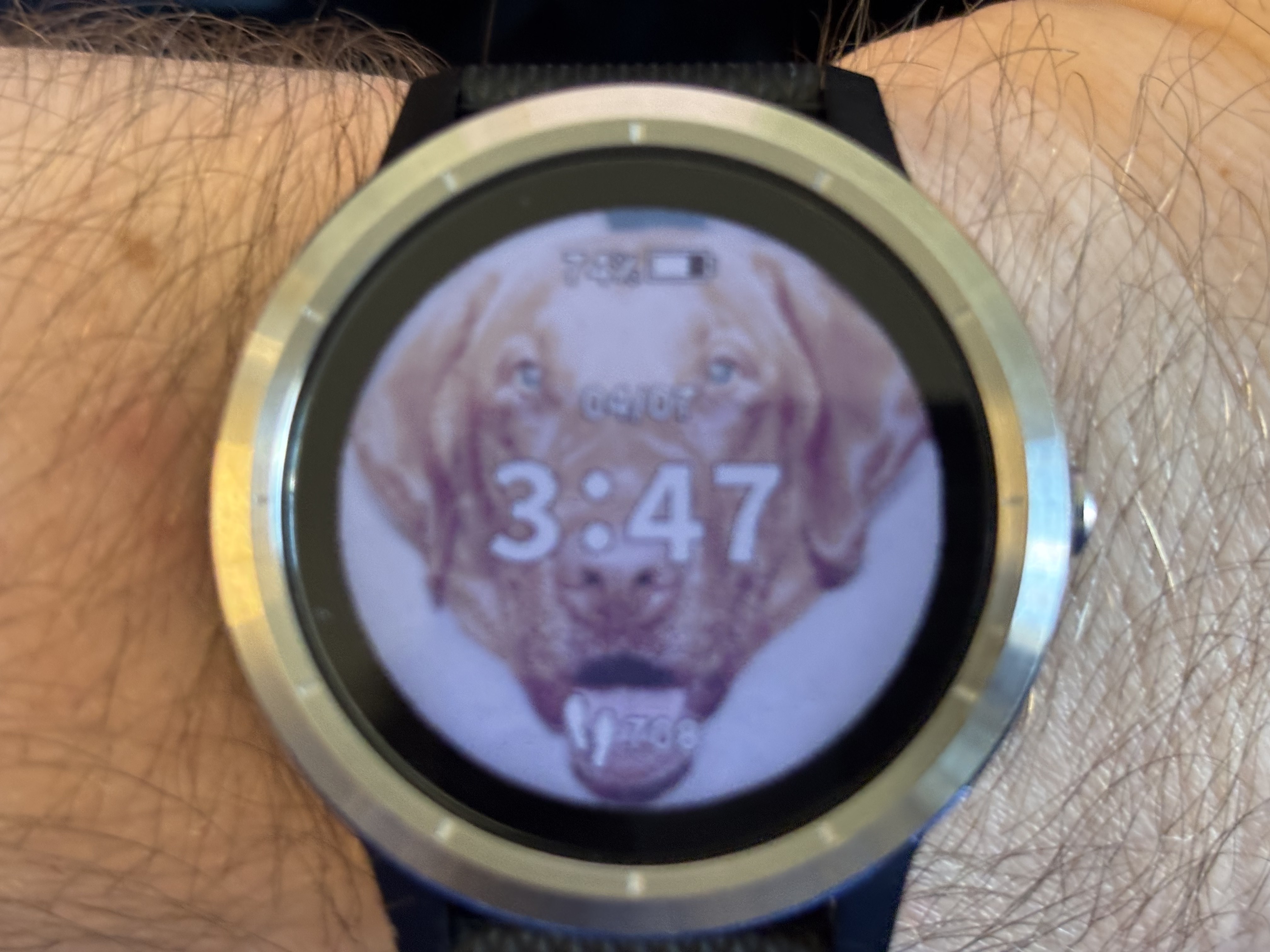
All that to make a custom watch face for my shitty Garmin watch. That’s another brand, you don’t get what you pay for.

Sorry about the blurry image, had a time limit before screen decreased it’s brightness.

Also, had to turn the brightness up. If using a dark black background, wouldn’t recommend a back light higher then 10. Even at 10, it doesn’t look right.

And even with 10, the battery life still sucks. The crappy Nothing watch lasts longer. But can’t lock the screen.

The downside of not paying any attention to anything

Remove a ton of packages.

All I did was type “sudo apt reinstall -f bluetooth” or bluez or something.

The good news is, I copied everything it removed. And yes I typed y and enter without reading a thing.

Go through the text file, and guess what I might want.

And then ran sudo apt install $(zcat /var/log/installer/initial-status.gz | sed -n ’s/^Package: //p’ | sort -u), to make sure I have everything Linux Mint came with.

Still had a bunch of KDE crap too. Now I get to reboot again.

No wonder it was being kind of slow. I broke it in more then one way. If removing the NIXOS package manager, and system-manager, you might want to change the shell for the root and nobody account. I removed system-manager manually, after removing the NIX stuff.

Well, Remarkable might be broken. Click a suggestion, and it doesn’t change it.

Liver

If somebody has a bad liver, can they take any medicine?

Looks like Remarkable Remarkable is better, at least for markdown.

Good for lazy people too. No more manually typing markdown.

FeatherPad FeatherPad works, but to spell check, I have to go into the menu and check it. Doesn’t check it all the time.

The text editor that comes with Linux Mint is apparently broken. I forgot the issue I had though.

Well, FeatherPad works for bash script file editing.

Don’t recommend installing any KDE stuff in Linux Mint. Slowed it down, then had to remove it all.

The downside of exporting a text file of everything installed in openSUSE Tumbleweed, and installing everything in it, without even thinking.

Nice, Linux is using under 8 GB of RAM. macOS doesn’t work very well with only 8 GB of RAM.

Does seem to be being a little slow. But according to the system monitor, it isn’t doing much.

How to encode H265 video that plays on iOS with ffmpeg

Not using ffmpeg & VAAPI worked for me. Maybe the ffmpeg in Linux Mint has issues. Or maybe VAAPI with an AMDGPU, doesn’t make good videos. I added the tag the internet claims will make it work.

Sound and no video in the photos app is all I got.

I tainted Linux Mint, by installing the Pro AMD driver. And converted a video with HandBrake using the GPU, and it plays. Before, I just used the shitty Insta360 Studio app using Wine. That played too. So software encoding works as well.

100 FPS less with HandBrake then ffmpeg. Probably cause it’s using CPU to decode.

Also, if installing the Pro driver doesn’t make it work, you need to update linux-firmware as well. I just backed up the amdgpu in the firmware folder, and then copied the new files over.

And don’t download the latest version if using a AMD 6000 series.

Version 6.4.4 amdgpu-install worked for me. Somewhere on AMD’s GitHub somebody said to use that version. No more AMF encoding, with newer AMD Pro drivers in Linux, if using an older GPU.

Good news, I’m too cheap to buy a new GPU.