Switched to Pi-hole. Apparently some of the developers for AdGuard are in Russia. Problem isn’t the developers though.
And DNS over HTTPS works with Pi-hole, I’m using the Control D CLI app.
That’ll speed up an iPhone, block lots of crap. Maybe add all Apple domains too.
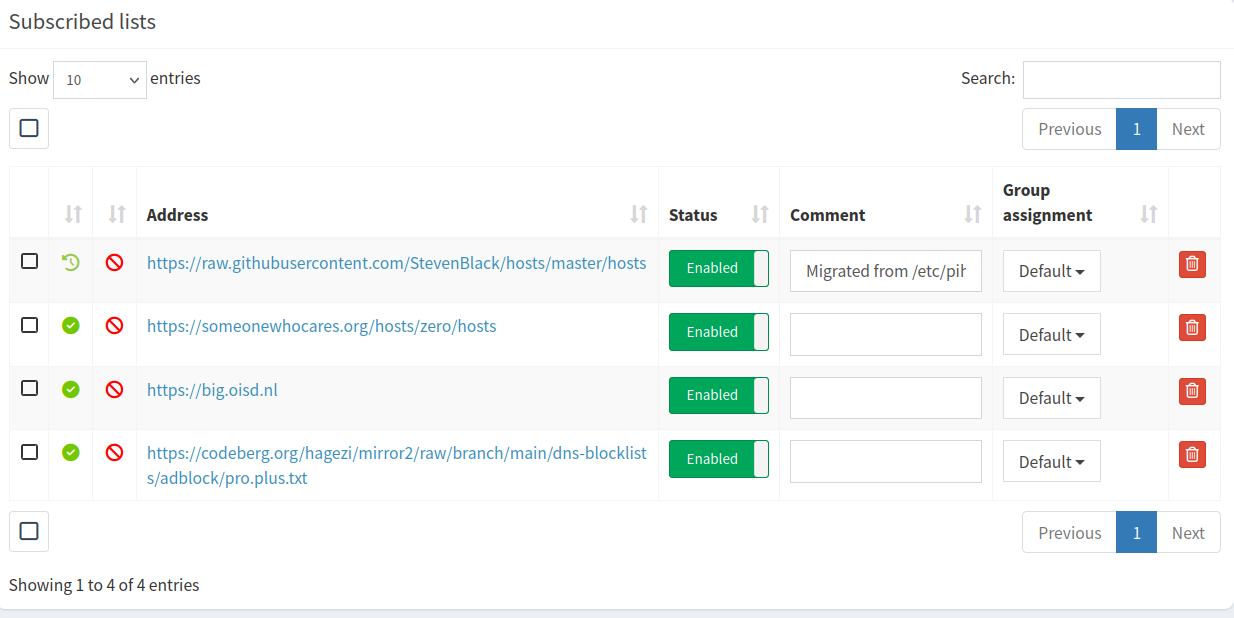
The only lists I currently have.
The latency on 5G was around 40ms. Did take a second or so to load one of my sites. But on WiFi, it’s under 30ms. Cellular adds latency.
Control D I think has a completely free plan. Non like Nextcloud.
AdGuard Pro app sucks, if you want to use a local VPN at home. Making a shortcut doesn’t fix anything, except makes the at home VPN work. But then the DNS protection has to be enabled when not at home.
Update
Might be too much latency on 5G at some times. So switched to Quad9. I used the profile from here for iOS. Used this, to add an ondemand thing, so it doesn’t use it on my WiFi. Used the web version. On my iPhone using Firefox.
Apparently Firefox sync no longer works, manually synced phone and desktop.
And you need the exact right search engine to find the same thing again.
The speed test on 5G, was better then my shitty Comcast. Well, except the upload sucked. About the same as Comcast for the upload speed.
I don’t use T-Mobile directly either.
Good news, the problem wasn’t DNS. Apple must have added some nice new features to iOS. I wonder, what new features the latest stable release adds.
Well, there’s a cheap solution, cancel my cell service. I likely won’t ever buy an iPhone again. They cost too much.
Finally got dnscrypt-proxy to work. It doesn’t run as root, like ctrld. The instructions on the Pi-hole site is wrong, editing the socket file doesn’t work. Had to edit the dnscrypt-proxy.toml instead. Also, copied the one from /usr/share/doc/dnscrypt-proxy to that folder too.